Reference
Grayscale Image
Click the image to sample a value.
Tap the image to read its value.
Click to upload your image
Painting Analysis
Built from 25+ years of studio practice.
Your first Basic Value upload is free. More Basic uploads unlock with lifetime access, or reset after 3 days. Want deeper insight into your painting? Try Quick Check for full analysis, or explore Composition Checker and Color Checker. Quick Check combines value, composition, and color into one analysis.
Reference
Click the image to sample a value.
Tap the image to read its value.
Click to upload your image
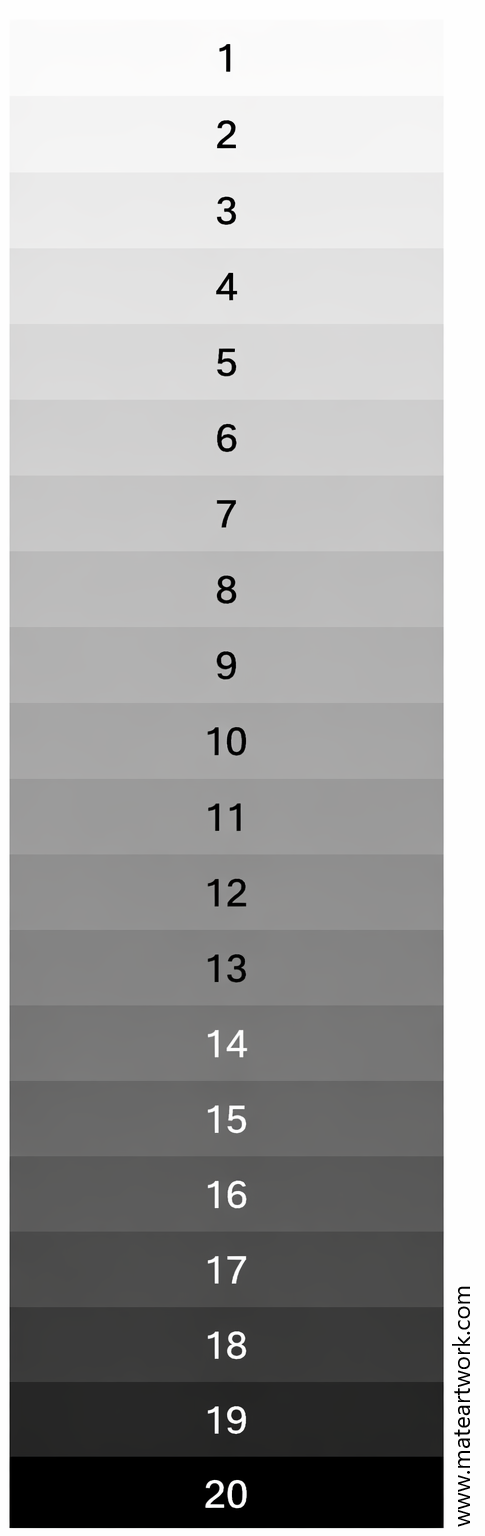
Color can make two passages look more different than their lightness really is. Use a grayscale view and the M8 value scale to study the separation between light, halftone, and shadow.
If a painted white cup disappears into a pale background, sample both areas. Then examine the 3-value map: do the cup and background merge into the same group? Test a clearer value separation where you want the viewer to look.
A photograph and screen can shift apparent values. Use the reading as a comparison aid, then check the actual painting under consistent light. Basic and Pro access conditions are shown in the tool.